
Admin's Guide
This guide is for workspace administrators — the people who set a workspace up and keep it running: who's in it, what agents and Brains exist, which integrations are connected, and where the money and the audit trail go.
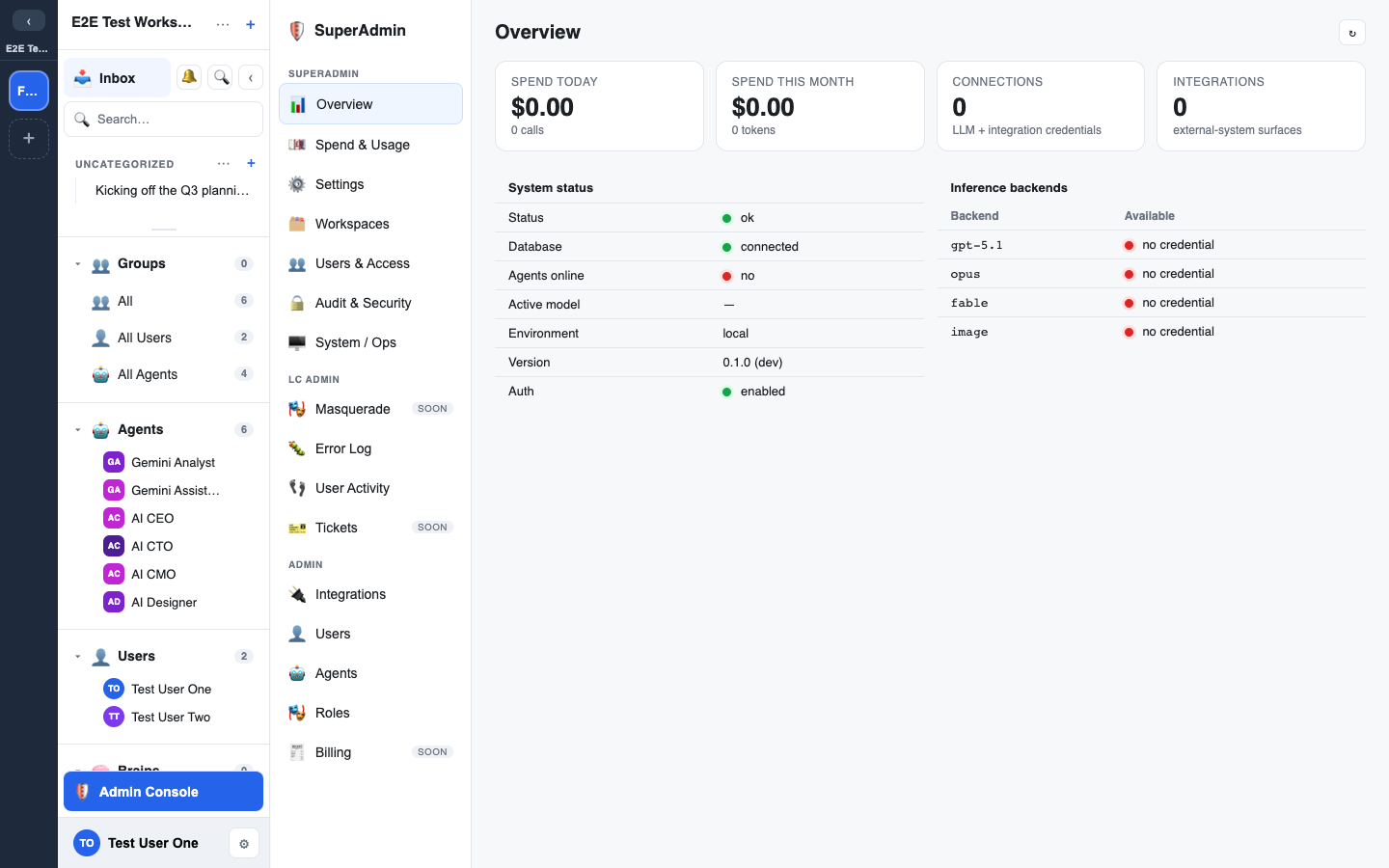
Admin tasks live in the Admin console, reachable from the sidebar for users with an admin tier. The console adapts to your level:
- Workspace Admin — runs a single workspace. That is the role this guide covers.
Some actions (pricing, plugin activation, default inference, and the destructive workspace lifecycle operations) are reserved to your platform operator and are not available from the workspace Admin console.
In this guide
- Workspace settings — the knobs for a workspace and its agents.
- Groups & roles — membership, clearance, dynamic roles, and the anti-escalation rule.
- Brains management — creating and governing knowledge stores.
- Manage Assets — the workspace-wide library of files, docs, canvases, and widgets.
- Applications — the external programs the sidebar links out to, and how to change the list.
- Integrations & plugins — the plugin catalogue, connections, per-repo instances, and read/write windows.
- Plugins (widget types) — enable or disable polls, whiteboards, word clouds, and the other widget types for your workspace.
- Connections (BYOK) — bring-your-own-key credentials and environment tags.
- Credits & spend — metering, pricing, and budgets.
- Invites & members — getting people in.
- Reset & snapshots — snapshot, restore, and reset a workspace.
- Audit & privacy — the tamper-evident audit log and GDPR data rights.
Screenshots
Screenshots in these guides are marked 📸 Screenshot: … as placeholders. To capture them, run a workspace locally (docker compose up --build, then open http://localhost:8000) and screenshot the relevant panels, or use the docs-site/scripts/screenshots.md note in the repo. Don't ship fabricated screenshots — capture real ones from a running workspace.