
Workspace settings
A workspace is a tenant: its own members, chats, groups, agents, Brains, and settings. As a workspace admin you manage it from the Admin console.
The workspace
- Create and edit workspaces — name and basic properties. New users are guided to create or join one during onboarding.
- Who can edit the workspace's name and initials — anyone at Facilitator or higher (Facilitator, Admin, Owner, and your platform operator). The stricter settings below — data residency, domain licences, deleting the workspace — remain Owner-only.
- Members — see who's in the workspace and their access. See Invites & members and Groups & roles.
- Domain licences — a workspace can be associated with an email domain so that people from that domain can be onboarded in a controlled way.
Workspace agents
Agents are configured per workspace. Day-to-day management happens from the left sidebar's Agents section: click the ⚙ on its header to open Manage Agents in the main content area.
- Reorder — as a workspace admin, drag the handle on a row to set the workspace's default agent order. It's the same order the sidebar shows.
- Manage — each row has one control, which opens the agent's detail pane. Everything you can do to that agent lives there — Edit, Clone, Use as dispatcher, Revert, Edit avatar, Delete — and the pane only offers actions you're actually allowed to take.
- Add agent stays in the page header for workspace admins.
The Admin console's Agents page remains the roster and configuration view.
- Agents appear to users via @mention.
- The roster is what a
/councilor/boarddeliberation fans out to.
📸 Screenshot: the Manage Agents page with the sortable list and a detail pane
Settings scopes
LEMA Chat's settings apply at three scopes: user, workspace, and global (platform-wide). As a workspace admin you manage workspace-scoped settings; global and identity/security-sensitive keys are reserved to your platform operator and are not editable from the workspace Admin console.
Workspace-relevant settings include the deliberation round caps (council_max_rounds, board_max_rounds) and the presence/turn-taking dispatch tuning that governs when agents speak.
Config lives in settings, not env vars
Operational configuration is stored in AdminSettings, read live — not baked into environment variables. That means an admin changes behaviour in the console, and it takes effect without a redeploy.
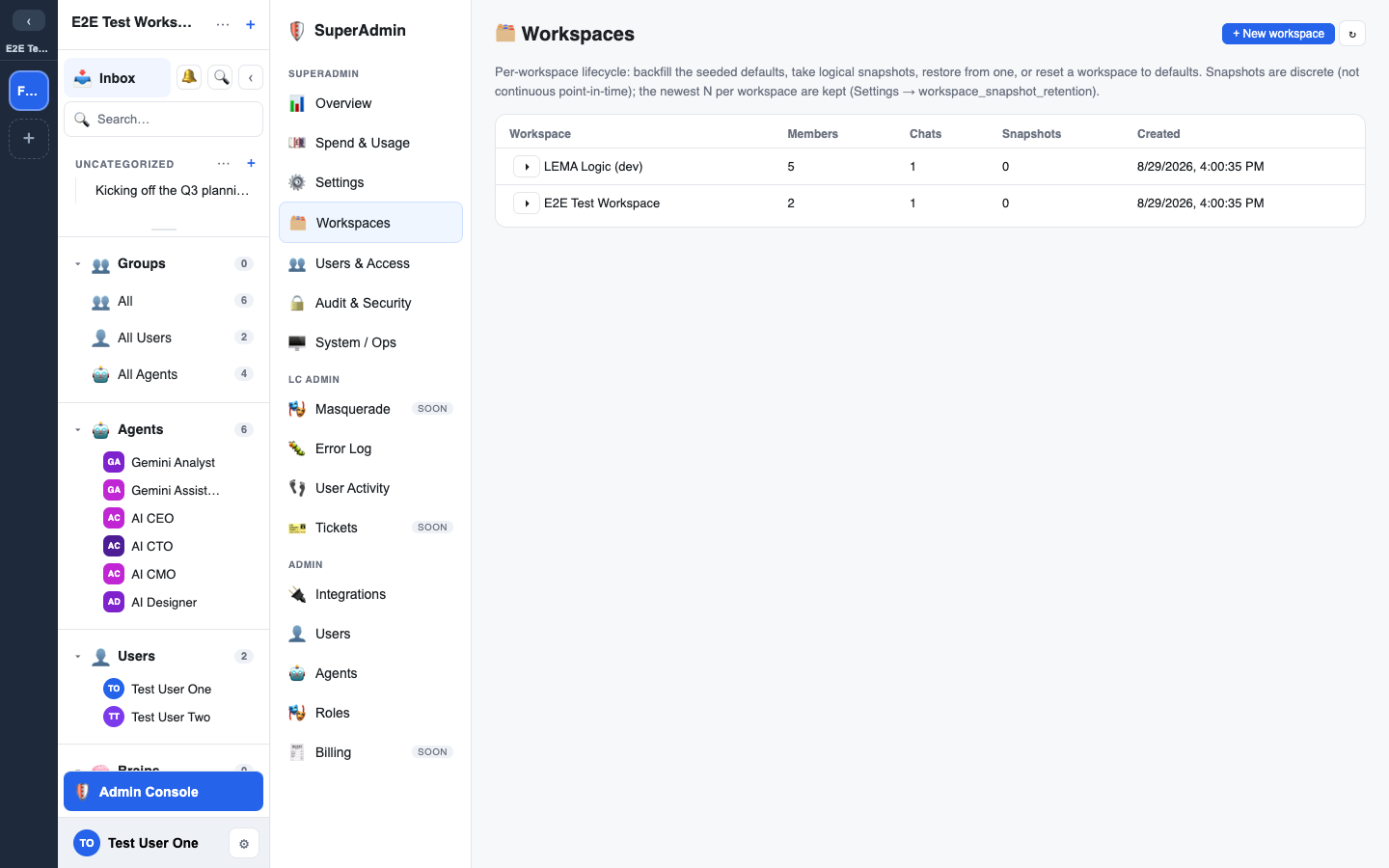
You edit these under Admin → Workspace, which holds three sections: the workspace's name and initials, Data residency, and Deliberation.
Data residency
A workspace can require that its inference, embeddings and integration egress stay within a region, use zero-data-retention (ZDR) providers, or both. Set it under Admin → Workspace → Data residency (workspace owner only).
- Required region — a requirement is satisfied by any region contained in it: UK counts as EU. Picking a specific AWS region instead means exactly that region. The list comes from the platform's region catalog, so it reflects the regions your operator has actually enabled.
- Require ZDR — an independent axis. Region does not imply retention posture: a US connection can be ZDR and an EU one can be non-ZDR.
- Enforce this policy — off is advisory: the policy is shown everywhere but nothing is refused. On is enforcing: inference, embeddings and integrations that do not satisfy it are refused unless a workspace admin grants an audited override.
Preview before you save
Tightening a policy has consequences beyond the page, so Preview impact is required before Save. It reports, without changing anything:
- which integrations would move to awaiting approval, and which would be released;
- which existing overrides would stop covering their axis (needs re-grant) or stop mattering (now moot) — a save never revokes an override, so re-grant one from the integration's own drawer;
- how many connections would remain eligible for inference;
- blocking consequences in red — most importantly, when the platform's default inference connection does not satisfy the policy, or none is designated at all, in which case routing, the summariser and key-points are switched off for the workspace. Saving past a blocking line needs the word
enforcetyped to confirm.
Every policy change is audited with its before/after values.
Overrides on file
The same section lists the workspace's live per-axis overrides — the audited exceptions to the policy — with their basis, reference, approver and expiry. A workspace admin can revoke one here. Granting happens in the integration's own drawer, where the unmet axis is known.