
Direct messages
Not every conversation is a group session. A direct message is a conversation with one other person, or with an agent. Direct messages are not private messages: workspace admins can open them, as below.
Your direct messages with agents
When you join a workspace (including by invitation) you get a direct message with the workspace's agent. Use it to think out loud, ask something, draft, and keep notes.
- The agent answers what you write without an @mention.
- You can @mention another agent to bring it in; the conversation then has both. Only you can add agents to your own direct messages with agents, and each added agent sees only what you can see. Adding one is recorded in the audit log.
- These conversations belong to your personal group, so adding you to another group gives nobody else access to them.
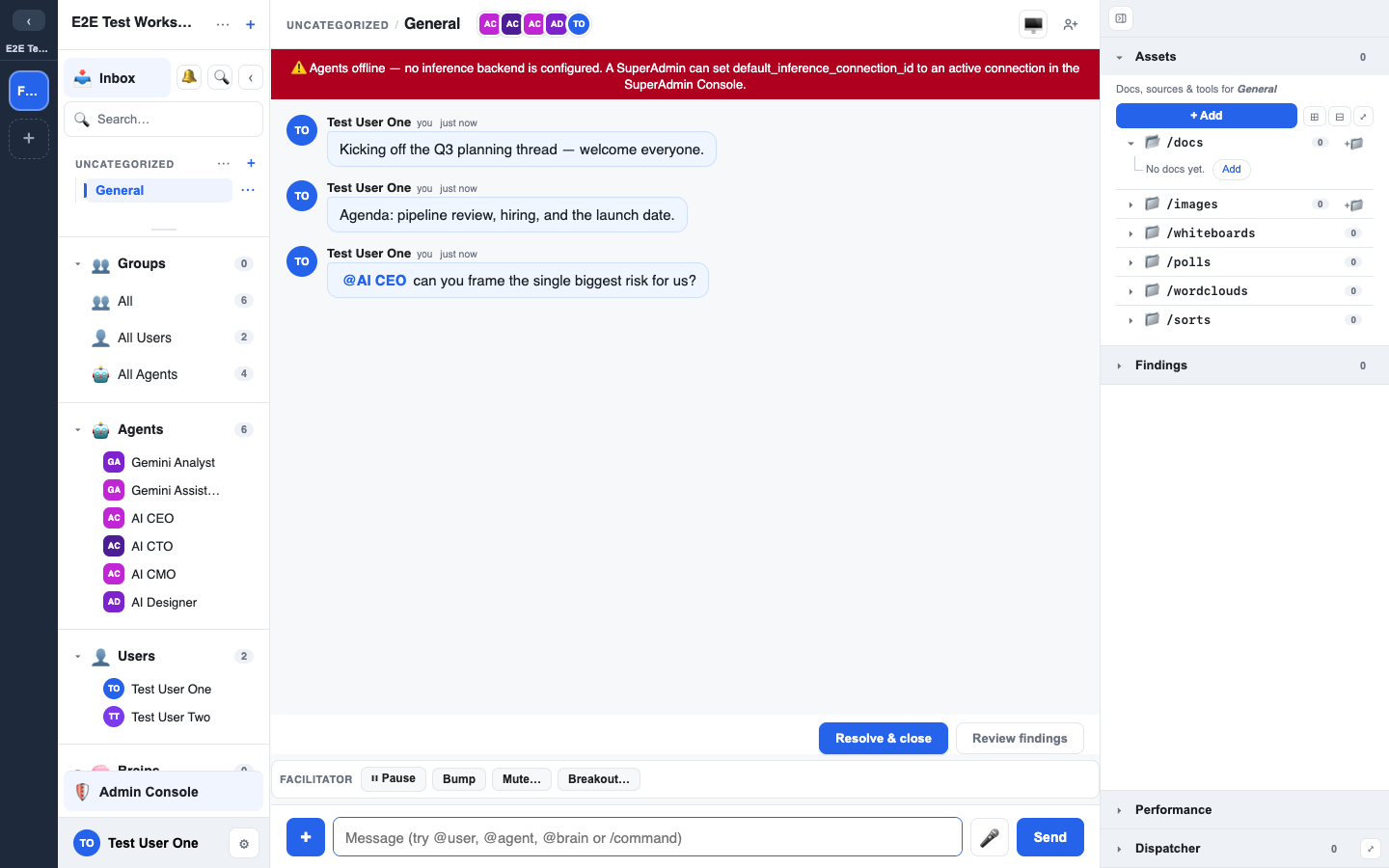
Messaging a person
To start a direct message, use Message and the person's first name. You find it in three places:
- A person's profile: click their avatar anywhere, then press the Message button on the card.
- The Users section of the left sidebar: open the … menu on a person's row.
- Chat details and Members: the Message button on a member's row.
You are taken to your most recent conversation with that person. If there is none, one is created. You are never offered Message on yourself.
Direct messages in the sidebar
Direct messages sit in their own Direct messages block at the top of the left sidebar.
- Each person you have a conversation with is one row, with their avatar and current name. Each agent you have a direct message with is one row too, with its name; a conversation with several agents sits under the first one.
- Private answers delivered to you, and any conversation whose agents were removed, sit under Other.
- Your conversations with that person are listed under their name.
- Press + on a person's row (New conversation with their name) to start another conversation with them. You can keep several going, one per subject.
- A conversation starts as "New chat" and names itself from what you talk about.
Rules for direct messages
- Two people: a direct message is between you and one other person.
- Agents: either of you can bring agents in by @mention. In a direct message between two people, an agent replies only when you @mention it.
- Whispers: facilitators can whisper to steer an agent in any direct message, as in any other chat. Members never see a whisper.
- Archive, not delete: a direct message between two people cannot be deleted. Either person can archive it and unarchive it.
- If the other person leaves the workspace, their name is followed by "(left)".
Messaging an agent
In the Agents section of the left sidebar, an agent's name is a button: click it, or tap it on a phone, to open your direct message with that agent. The same action is Message at the top of the agent's … menu, and the + on the Direct messages block lists agents as well as people.
- If you already have a direct message with that agent, the most recent one opens (also one you later added more agents to). An archived one is restored.
- Otherwise one is created for you with that agent in it.
Who is offered it:
- Admins and Owners can start a chat with any agent that can run.
- Everyone else is offered it for an agent they already have a direct message with, such as the workspace agent they started with.
- Guests are not offered it.
Some agents are never offered: an agent that is switched off, the Dispatcher, and the Interviewer, which only speaks when it is mentioned in an interview.
Where the name is not a button for you, click the agent's avatar to see its profile, and @mention the agent in a chat it belongs to.
Who can see your direct messages
- Other members cannot see them. Adding you to a group does not give anyone else access.
- Hidden from members, not from workspace admins. The chat shows "Hidden from members. Workspace admins can access it."
- Owners and Admins of the workspace can. They can open your direct messages and post in them. Anything they post carries their own name. Each time they open one, it is recorded in the audit log. Facilitators cannot.
- Platform support staff can open them only through support access: a support person temporarily acts as you to fix a problem. Each support session is recorded in the audit log with who did it, when, and the reason they gave. It ends by itself.
- Your workspace Owners and Admins can review the support access log (Admin > Workspace). It lists every support session on a member of the workspace: when it happened, who did it, the reason, and how long it lasted. It does not show what support looked at.
- If your workspace has Notify users when support accesses their account turned on, you get a notification after a support session on your account ends, with the date and the reason.
Keeping findings private
Anything you send to a Brain from a direct message goes to a Brain with its own access rules. Send it to a Brain only you can read and it stays private. Send it to a shared group's Brain and you are choosing to share it. See Groups and Findings and decisions.