
Thinking & tool use
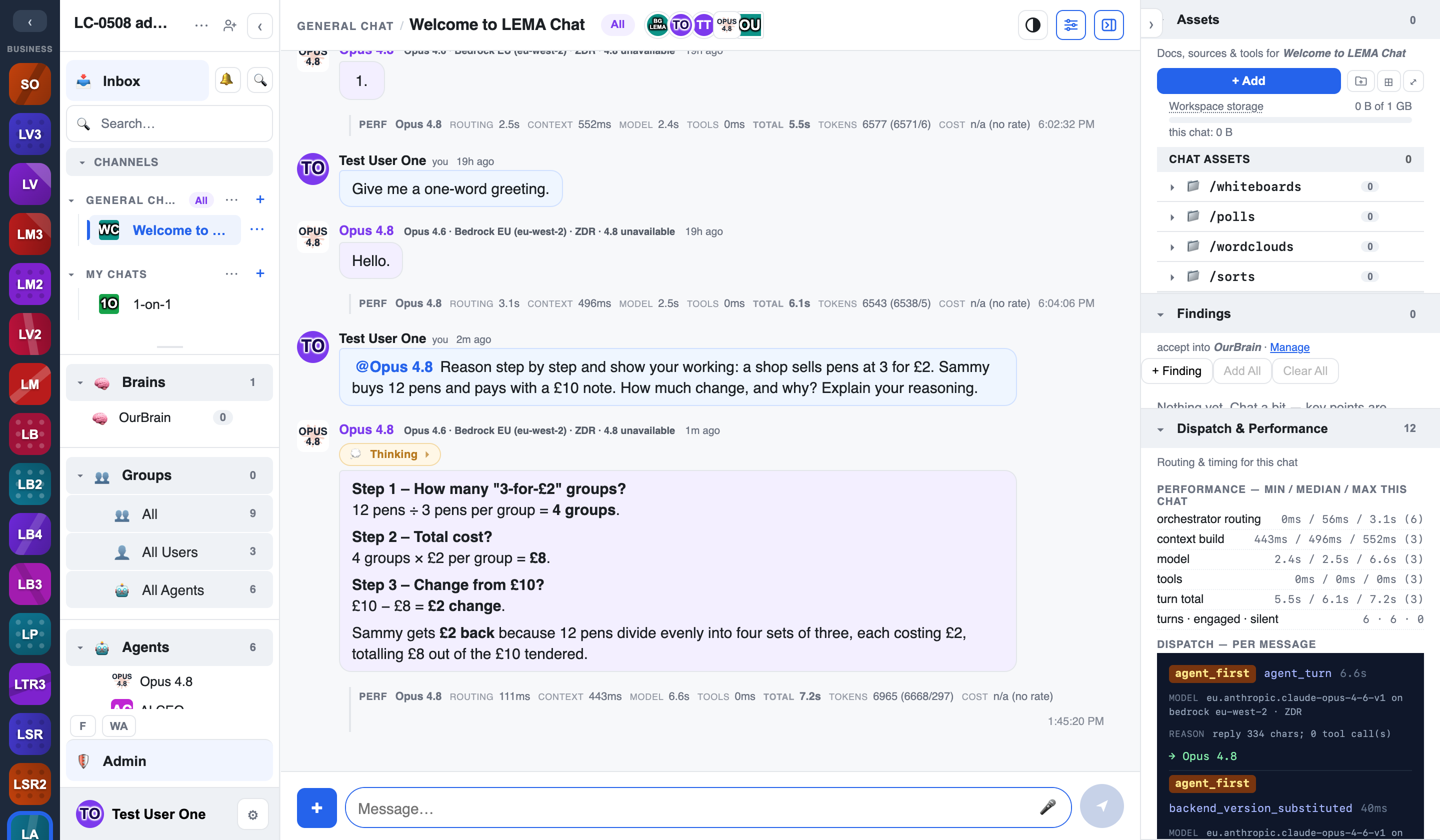
When an agent answers, you don't just get the final text — you can see how it got there. Each agent turn carries a Thinking bubble with the model's reasoning and, folded inside it, the tool calls the agent made along the way. It's the same idea as watching a colleague show their working.
The Thinking bubble
While an agent is composing a reply, a live 💭 Thinking… bubble appears above the message and streams the model's reasoning as it happens. When the reply lands, the bubble doesn't vanish — it's frozen and kept, and a 💭 Thinking toggle stays on the message so you can show or hide the thinking again later.
- Show / hide — click the 💭 Thinking toggle on any agent message to reopen its reasoning after the fact.
- Persisted — the thinking is stored with the message, so it's still there on reload and for anyone who reads the chat later.
Tool calls and results
Agents don't only think — they act: they search the web, look something up in a Brain, call an integration. Every such action shows up inside the Thinking bubble as a collapsible tool-call entry, TZ-Console style: the tool name, a short summary of its arguments, an ok / error status, how long it took, and a summary of what came back.
- Request and result panes — expand an entry to see the full arguments the agent sent and the result it got back.
- Show more / Show less — long results are shown as a preview (the first stretch of text) with a Show more toggle that expands the whole stored block, and Show less to recollapse it.
- Copy — the Copy control copies the entire untruncated request or result, not just the visible preview.
- Brain lookups — when an agent consults a Brain, that lookup appears as a tool call too, so retrieval is as auditable as any other action.
Auditable for Admin+
The per-call detail is visible so that reasoning and retrieval stay inspectable. Admins and above see the full request/result detail on every call.