
LEMA Chat on mobile
LEMA Chat is fully usable on a phone. The same workspace, chats, agents, and widgets are all there — the layout just folds down to one column so the chat gets the whole screen.
Signing in
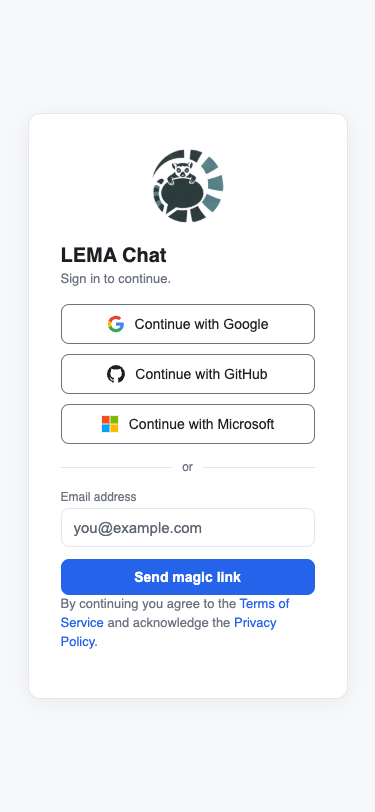
The sign-in screen is the same on mobile: continue with Google, GitHub, or Microsoft, or enter your email for a magic link. Add LEMA Chat to your home screen (install it as a PWA) to get web-push notifications on iOS.
The full-width chat
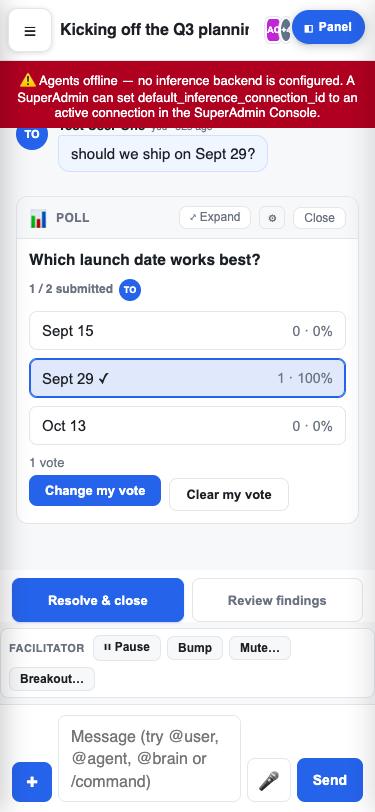
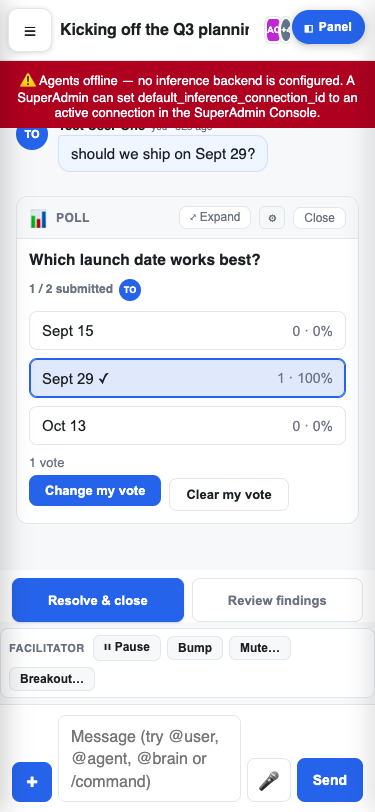
On a phone the chat takes the full width of the screen. A ☰ hamburger (top-left) opens the navigation, and a Panel button (top-right) opens the collaboration rail (Assets, Findings, Performance) when you need it. The composer, widgets, and the facilitator toolbar all reflow to fit.
Navigation drawer
Tap the ☰ hamburger to slide out the navigation drawer — your workspaces, folder tree, groups, agents, and Brains. Opening a chat (or creating one) closes the drawer automatically so you're straight back on the conversation.
Built for touch
Tapping app chrome won't accidentally zoom the page, and the composer and toolbars are sized for thumbs. Pinch-to-zoom still works on content where you want it.