
Search & notifications
Search
The search panel finds content across your workspace — messages and the surfaces attached to chats. Results are scoped to your workspace and to what you're cleared to see.
- Open search from the left sidebar. The search panel fills the full height of the left bar — from the top down to your user footer — so the channel list doesn't compete with your results for attention.
- Selecting a result takes you to the chat and, where relevant, opens the exact canvas or doc the match lives in.
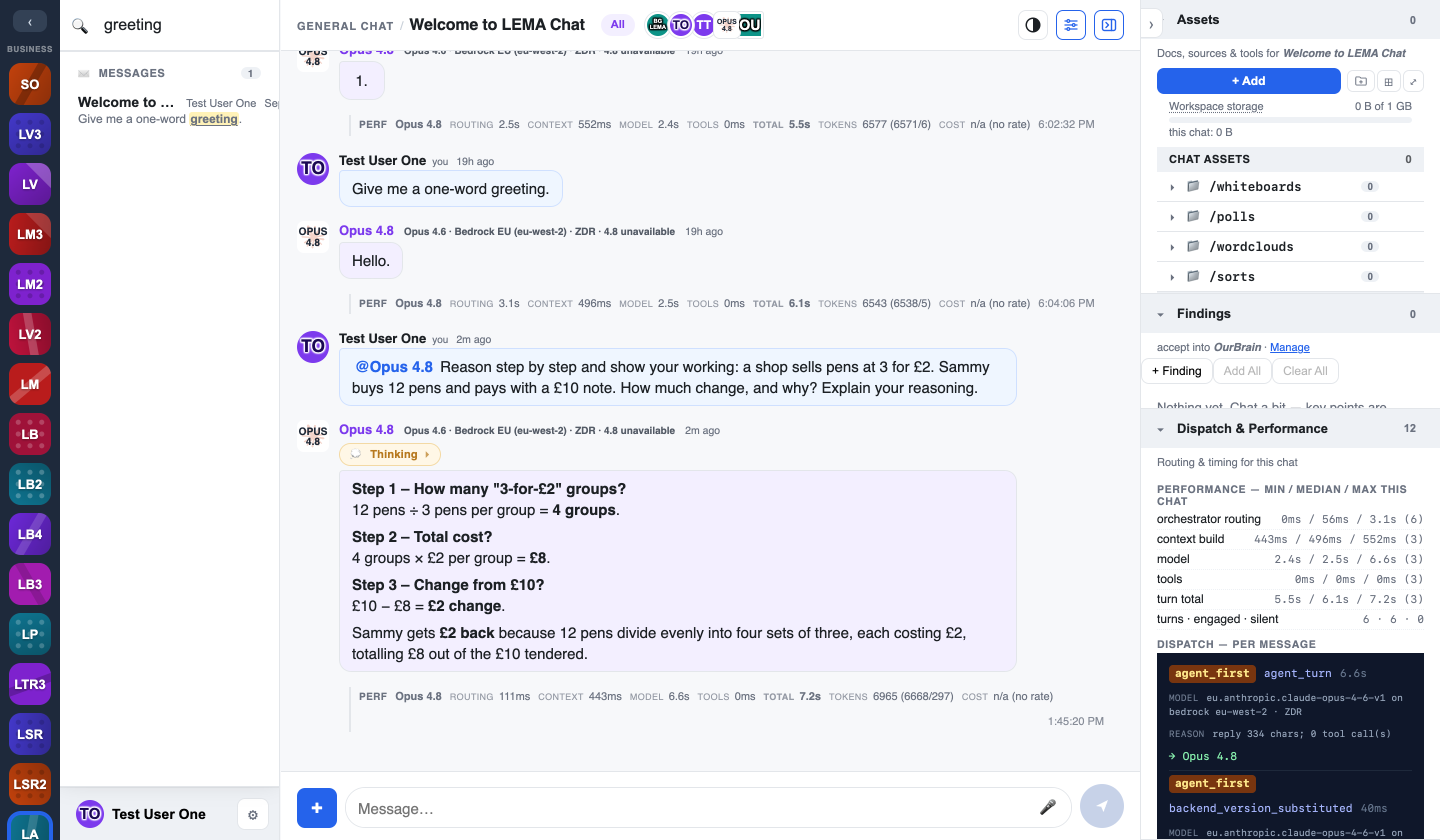
Semantic search lives in the Brain
The workspace search above is text search over chats. Semantic (meaning-based) search runs over your Brains — that's the point of promoting findings into a Brain. See Mentions, agents & brains.
Notifications
LEMA Chat notifies you when you're mentioned or when a chat you follow has activity.
- In-app — the notifications pane lives in the left bar and, like the search and Admin panes, fills the full height from the top to your user footer, so nothing underneath distracts you while you triage.
- Hover to preview — hovering (or focusing) a notification previews its source chat in the main panel, with the section that mentioned you highlighted — the same preview behaviour as a search result. Previewing does not clear the notification.
- NEW markers clear on click — an unread notification carries a NEW marker. The marker clears only when you click the notification to go to it, not when you merely preview it, so a quick look never loses your place.
- Web Push — you can opt in to browser push notifications, so you're alerted even when the tab isn't focused. On iOS, push works when LEMA Chat is installed as a PWA (added to your home screen).
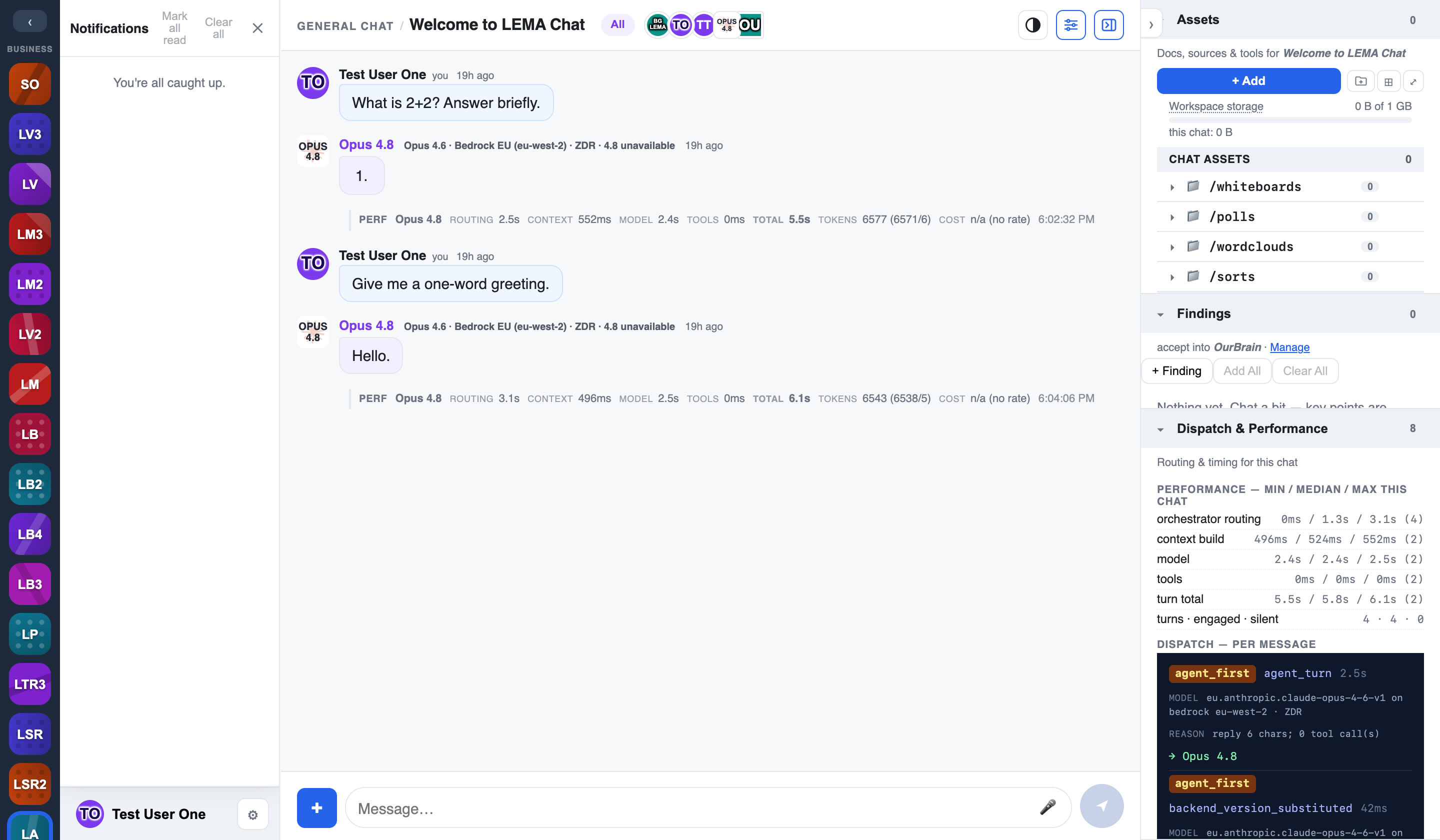
Mention badges
When you're mentioned, the chat's badge in the left tree shows an @N count — the @-prefixed number tells you how many mentions are waiting for you there, not just that the chat is unread.
Requires setup
Web Push depends on the deployment having push (VAPID) keys configured and the service worker registered. If push isn't offered in your workspace, ask your admin — the in-app notifications centre works regardless.
Muting
You can mute a chat to stop it notifying you while still keeping it in your tree — useful for busy rooms you want to check on your own schedule.